
Meet ShotSeq: Turn Image Sequences Into Video, Right in Your Browser
A new browser-based tool that converts image sequences into MP4 or WebM video without uploading a thing. Here is what ShotSeq does, who it is for, and how it pairs with Small.im for image-to-video workflows.

You know that feeling when you have got 40 product photos and want to turn them into a quick video for Instagram? Or you are a photographer with a wedding shoot who needs to send a 60-second reel to the client by tomorrow morning? That workflow is usually painful. Upload to some site, wait for processing, pray they do not slap a watermark on the export, hope you did not just hand 500MB of someone else's wedding photos to a sketchy server.
So let me tell you about ShotSeq — a new browser-based tool that turns image sequences into video without ever uploading anything.
What ShotSeq Actually Does
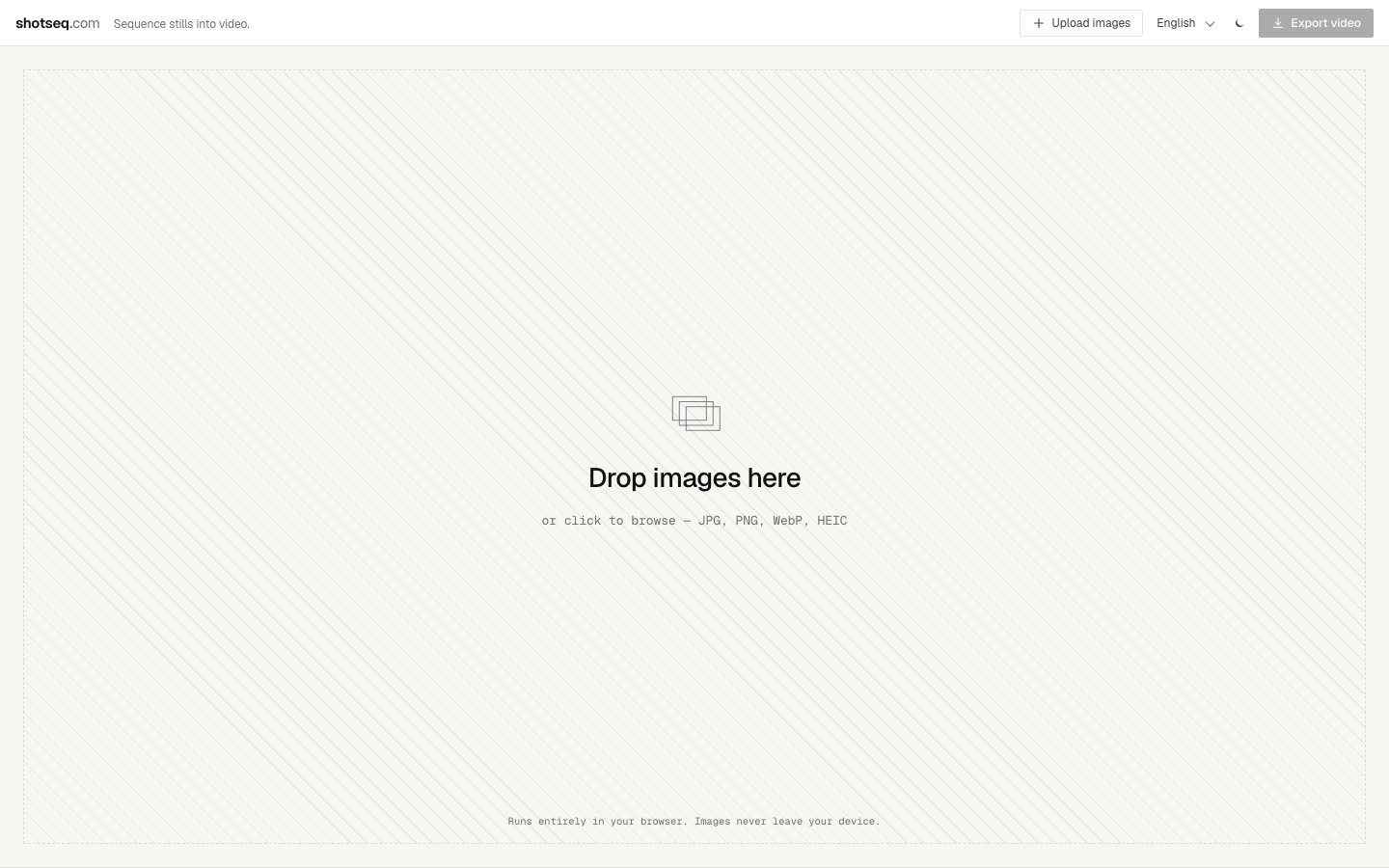
ShotSeq takes a stack of still images, lets you arrange them, set per-frame durations, pick a transition, and exports them as MP4 or WebM. Up to 4K. No watermarks. No signup. No "free trial" that suddenly costs $19 a month.
The whole thing runs in your browser. You drop in JPG, PNG, WebP, or HEIC files and the encoding happens on your machine using your hardware. Your photos do not go to a server somewhere. If you have ever used Squoosh for image compression, ShotSeq has the same vibe — a focused tool that does one thing well and respects your data.
Who It Is For
Honestly, more people than I expected:
- Photographers putting together client previews or Instagram reels from a shoot
- Designers animating moodboards or showing iterations in a case study
- Filmmakers doing rough assemblies and animatics before opening a heavier NLE
- Marketers producing product loops or short social content from product photography
- Anyone with a folder full of frames who just wants a video
I tested it last week with a batch of 80 photos from a recent trip. Took about 12 seconds to encode a 1080p MP4. That is fast enough that the workflow stays in your head — you do not get bumped out by a progress bar.
How the Workflow Goes
The three-step pitch is honest:
- Drop your images. Drag a folder onto the page or click to select.
- Sequence them. Reorder by dragging. Adjust per-image duration. Pick a transition (hard cut or crossfade).
- Export. Choose format (MP4 H.264 or WebM VP9), aspect ratio (16:9, 9:16, 1:1, 4:5, or 3:2), resolution up to 4K, and hit download.
That is it. There is no library to manage, no project to save, no account to log into. It is the kind of tool you bookmark and forget about until you need it again three months later — at which point it still works.
The Privacy Thing
Here is where ShotSeq lines up with the Small.im philosophy. Every image sequence stays on your device. Nothing uploads. Nothing sits on someone else's S3 bucket.
For most people that is a nice-to-have. For some workflows it is a hard requirement:
- Wedding and event photographers handling client photos under contract
- Product designers working with unreleased designs
- Anyone in healthcare, legal, or finance with confidentiality obligations
- Folks in regions with strict data residency laws
You can use ShotSeq on a Wi-Fi-flaky cafe connection or even offline once the page is loaded, because it is not waiting on a server.
What It Is Not
A few honest caveats so you do not get blindsided:
- It is not a full video editor. No audio tracks, no text overlays, no color grading. If you need those, you are better off in DaVinci Resolve or CapCut.
- Big sequences eat memory. Encoding 200 frames at 4K will warm up your laptop. Browser-based encoding hits hardware acceleration when available, but it is still bounded by what your machine can do.
- HEIC works but support varies by browser. Safari handles it natively; other browsers may take a beat longer.
- No saved projects. When you close the tab, the sequence is gone. Export first.
If you need fancy effects, this is not your tool. If you need to convert a folder of frames into a clean video in 30 seconds without uploading, it absolutely is.
How It Pairs With Small.im
Since Small.im handles the image side of the workflow — compression, format conversion, and resizing — ShotSeq is a natural next step for anyone whose deliverable ends up being video. A common pattern:
- Resize and compress your photos in Small.im so they are consistent and lean.
- Drop them into ShotSeq to assemble the sequence.
- Export and ship.
Both tools run locally, both are free, both skip the upload step. You can run the whole pipeline offline if you want.
Try It
You can try it at shotseq.com. No signup, no email harvesting, no "enter your card for a 7-day trial." Just drop in images and export.
If you have been muscling through Photoshop's Video Timeline or fighting a clunky online maker for this, give it 60 seconds. It might replace a step in your workflow.